bizmap why
Everything the graph knows about one column: who writes it, who reads it, what triggers that code and which other service calls in.
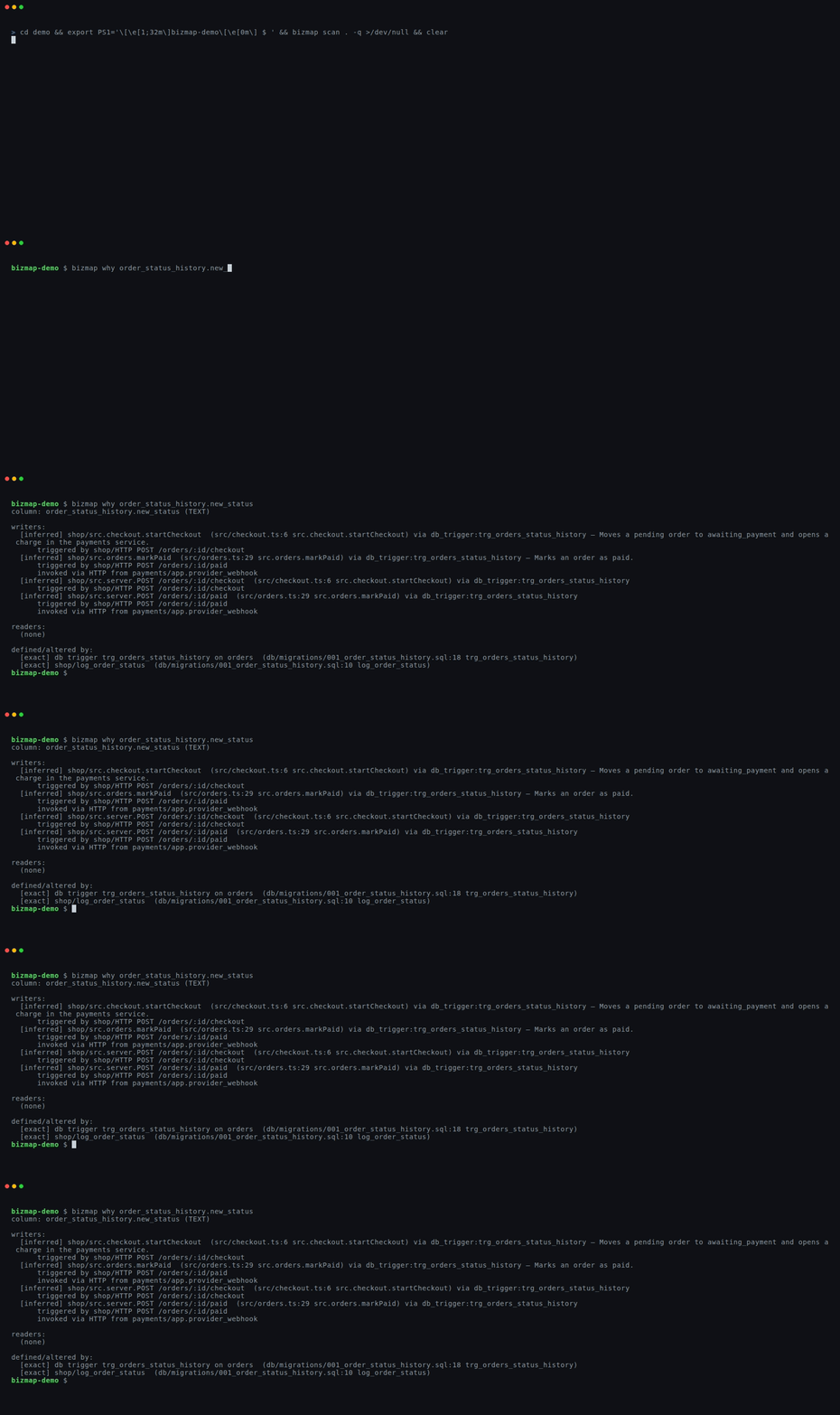
Run bizmap scan first. In the demo:
$ bizmap why payments.status
column: payments.status (TEXT)

writers:
  [exact] payments/app.create_charge  (app.py:20 app.create_charge) — Open a charge for an order (called by the shop at checkout).
      triggered by payments/HTTP POST /charges — Open a charge for an order (called by the shop at checkout).
      invoked via HTTP from shop/src.payments.createCharge
  [exact] payments/app.provider_webhook  (app.py:45 app.provider_webhook) — The provider confirmed the charge: settle it and tell the shop the order is paid.
      triggered by payments/HTTP POST /webhooks/provider — The provider confirmed the charge: settle it and tell the shop the order is paid.

readers:
  [exact] payments/app.get_charge  (app.py:34 app.get_charge) — Charge status for the support dashboard.
      triggered by payments/HTTP GET /charges/{charge_id} — Charge status for the support dashboard.
How to read it:
[exact]/[inferred]— the edge's confidence.exactis static SQL in that function;inferredwas carried from a callee, a database trigger,SELECT *, an interface call. See Confidence.repo/function (file:line)— where the read or write happens. The text after—is the comment or docstring above the function: the why, in the code's own words.triggered by— the entrypoint that reaches it: HTTP route, scheduled job, queue consumer, database trigger, Firestore event.invoked via HTTP from— the function in another scanned service that calls that route.via db_trigger:NAME— the write happens inside a database trigger fired by this function's statement.defined/altered by— the database triggers and SQL functions whose definitions write the column (for a column written by a trigger).why:under the column name — fromoverrides.columnsinbizmap.yaml.
Where a value comes from and goes to
When the graph has feeds
edges — a function copies values from one table into another, often in
another database — why adds two sections, followed up to 3 steps:
$ bizmap why resumo_pedido.total
column: resumo_pedido.total (bigint)
…
comes from (data flow):
  ← orders_db.pedidos.valor_centavos via sync.SyncOrders (exact, sync/orders.go:21)

$ bizmap why pedidos.valor_centavos
…
goes to (data flow):
  → orders_db.resumo_mensal.receita via sync.RollupMonthly (heuristic, transform, sync/orders.go:28)
  → summary_db.resumo_pedido.total via sync.SyncOrders (exact, sync/orders.go:21)
For a table (bizmap why pedidos) each line is a table it feeds or is fed
from, with the number of columns mapped. transform means an expression or
function is in between; same name that only the column names agree.
An unknown column prints unknown column: … and exits with status 1.
The MCP tool why_column returns the same report.